Tikomate vs Buffer: Which Is Better for Safe TikTok Posting?
- Tikomate is a safe regional reach-warming engine that provides verified US accounts ($25) and automated warming blueprints.
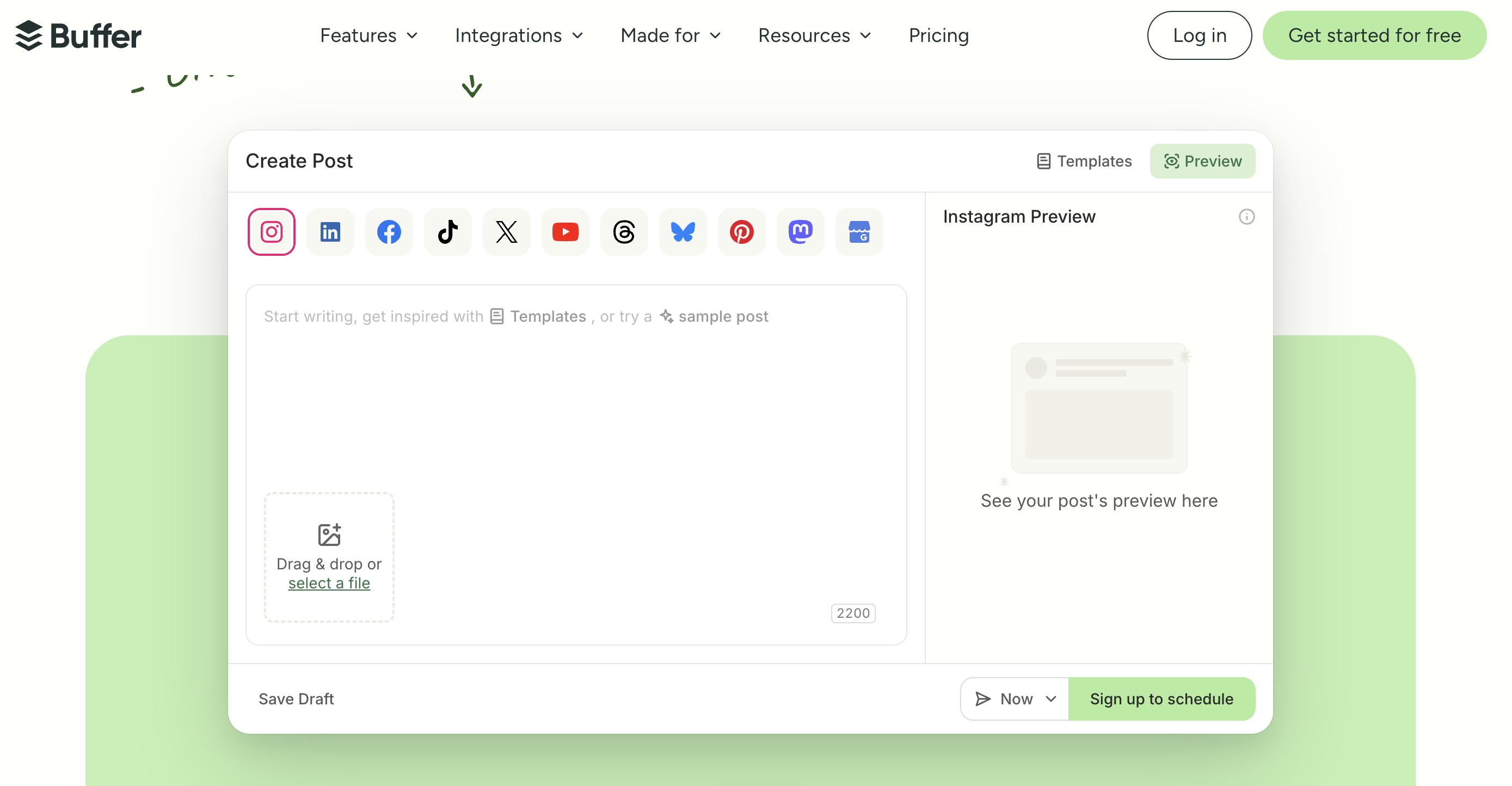
- Buffer is an official API social scheduler that schedules and publishes posts across channels, starting at $6/month per channel.
- Choose Tikomate to warm up new TikTok accounts, automate setups, and target US feeds securely; choose Buffer if you only need content scheduling for established profiles.
Running multiple accounts on TikTok is a powerful way to scale organic reach, but it requires careful coordination. While social media managers use tools like Buffer to schedule video uploads, publishing to regional audiences requires proxy-safe warming. This comparison guide details when to use Tikomate vs. Buffer.
What is the main difference between Tikomate and Buffer?
The primary difference lies in the safety architecture and targeting scope. Buffer is a social media calendar tool connecting via official APIs to post scheduled files. Tikomate is a reach-warming engine that runs mobile behavioral gesture simulations and applies platform compliance rules to establish profile authority and prevent 200-view shadowbans.
- Tikomate: Simulates human scrolling feeds, applies location compliance, and provides verified US account setups.
- Buffer: Content scheduling, cross-platform calendar queues, and unified inbox analytics.
Go Deeper: Side-by-Side Breakdown
1. Account Trust: Residential Proxy Routing vs. Direct API Connections
Buffer connects to your profiles via official developer APIs. While this is approved by social networks, it has a limitation: all actions are executed from your local internet connection. If you are outside the US, your posts are routed to local feeds. Tikomate unbundles regional reach, providing residential proxy routing setups and mobile scroll simulation tools to target US audiences from any country safely.
2. Profile Warming: Mobile Behavior Gestures vs. Direct Posting
Posting immediately on a new TikTok account using Buffer's scheduler can trigger spam filters, locking your views at 200. TikTok requires profiles to exhibit organic user activity first. Tikomate automates this phase: the warming engine searches niche keywords, scroll-views relevant content, and ramps up profile activity over 3 to 5 days, building the account authority required to unlock high-view counts.
3. The Pipeline Workflow: Setting Up vs. Ongoing Publishing
Tikomate and Buffer are not mutually exclusive; they serve different parts of the publishing funnel. Tikomate is designed to build and verify accounts (verified accounts cost $25, guides cost $29). Buffer is designed to schedule finished content once the account is warmed. Many agency buyers warm their account fleets with Tikomate first, then connect them to Buffer for daily scheduling.
Specification Comparison Matrix
| Metric / Feature | Tikomate | Buffer |
|---|---|---|
| Primary Focus | Reach warming & US account verification | Content planning & publishing calendar |
| US Targeting Setup | Yes (Pre-verified accounts + proxy guides) | No (Uses your existing local connection) |
| Profile Warming Blueprints | Yes (Mobile gesture simulations) | Not offered |
| Scheduling Dashboard | No (Warming-focused) | Yes (Official publisher API calendar) |
| Pricing Model | From $25 (US Account Setup) / $79 (Domination Guide) | From $6/month per social channel |
| Best For | Account warming, regional targeting, & fleets | Content planning for established brands |
Pricing Compared
Tikomate
-
US Account Setup $25
Verified US TikTok accounts ready for Creator Rewards or Shop Affiliate.
-
Posting Guide $29
Guides on proxy configuration and regional targeting blueprints.
-
Domination System $79
Lifetime blueprints for multi-account warmups and agency dashboard setups.
Buffer
-
Free Plan $0
Manage up to 3 channels, schedule 10 posts per channel, basic editing.
-
Essentials Plan $6/mo per channel
Unlimited scheduling, basic analytics, and landing page builder.
-
Team Plan $12/mo per channel
Unlimited scheduling, approval workflows, and detailed reporting.
Make Your Decision
Choose Tikomate if…
- You need to target US feeds from outside the United States
- You want to warm new accounts to bypass 200-view shadowbans
- You need verified US account setups with residential proxy routing
- You are building multiple affiliate profiles from a single setup
Choose Buffer if…
- You have established social profiles and only need scheduling
- You want a unified calendar dashboard to queue videos
- You require official partner API posting for team compliance
- You manage standard brand accounts without regional targeting requirements
Read the full Tikomate Review 2026 for our complete take on the platform.
- Tikomate vs Genviral
- Tikomate vs HardLaunch
- Tikomate vs TokUpgrade
- Best TokSocial Alternatives (2026)
- Tikomate vs Fastlane
- Tikomate vs Planoly